
Ubuntu 26.04 was released in April 2026 and is also known as "Resolute Raccoon". Standard support for Ubuntu 24.04 LTS is extended until April 2029, but if you still want to upgrade your Ubuntu 24.04 LTS to Ubuntu 26.04, follow this guide, in which every prompt, warning and final output has been covered to help you with your Ubuntu upgrade.
Update Your Current System
Before upgrading your Ubuntu 24.04 to 26.04, we need to make sure our system is up to date. To update and upgrade, use the below command.
sudo apt update && sudo apt upgrade -y
Starting the Upgrade
Using the -d flag, the upgrade is initiated using the official Ubuntu release tool. Run the below command and in the output, it will show you Ubuntu 26.06 and then start the upgrade process, and in between, open some prompts.
sudo do-release-upgrade -d
After entering the above command, the tool immediately detected the new release and displayed the official Ubuntu 26.04 LTS 'Resolute Raccoon' welcome message and then the first prompt:
Do you want to continue? [yN]
Here, type y and then press Enter.
Then, after some logs, the next prompt will appear:
If you continue, an additional ssh daemon will be started
at port '1022'.
Do you want to continue?

Continue [yN]
Type y and then press Enter.
Then the next prompt will open:
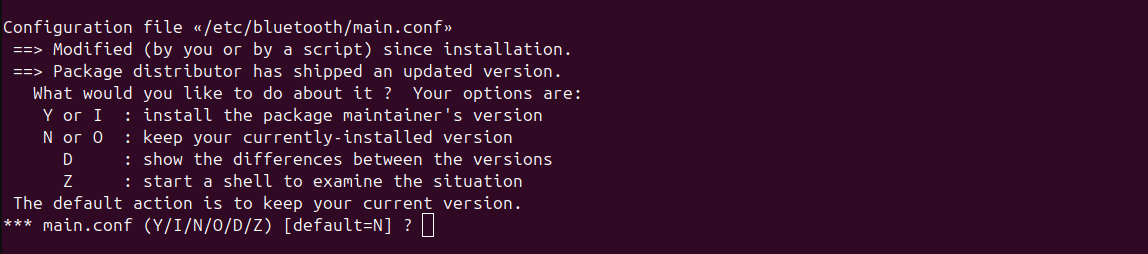
Select default, for default enter N then press Enter.
Then the next screen will open as shown below.
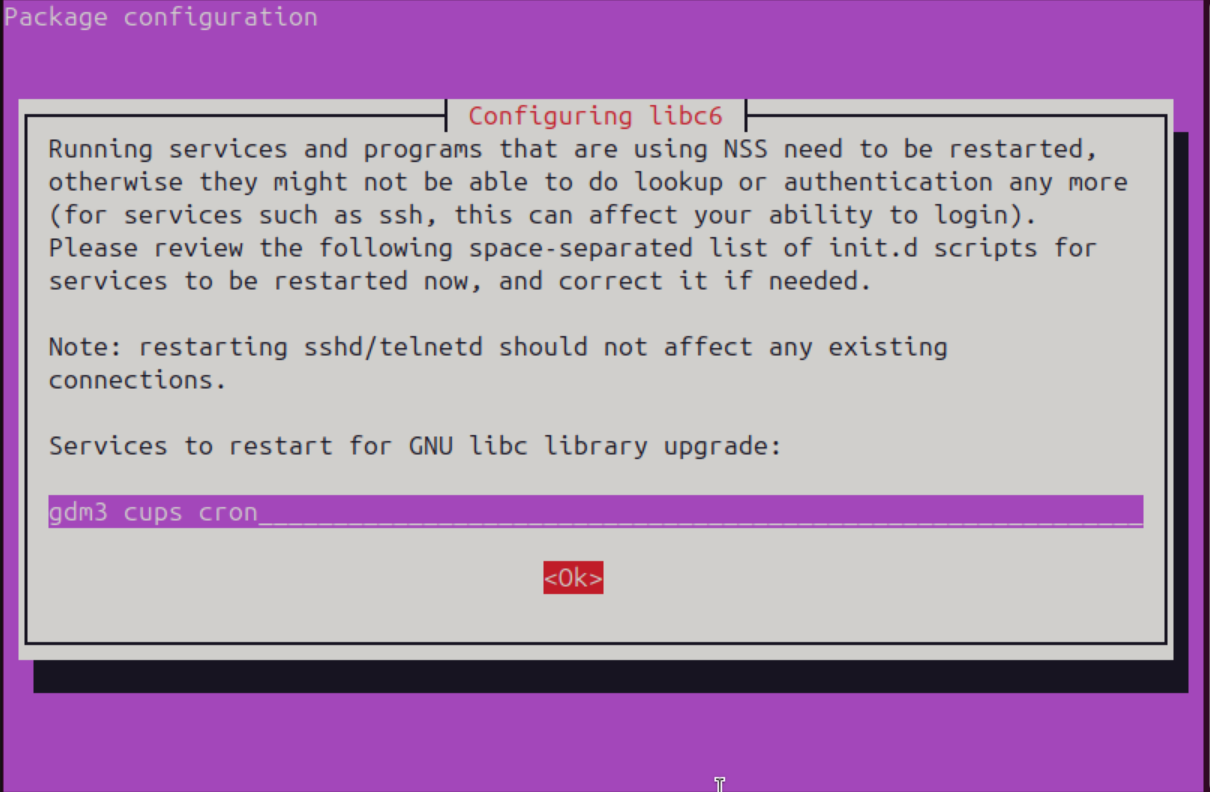
Select Ok and continue with the upgrade.
In the next step, an option will be asked to remove your old installation.
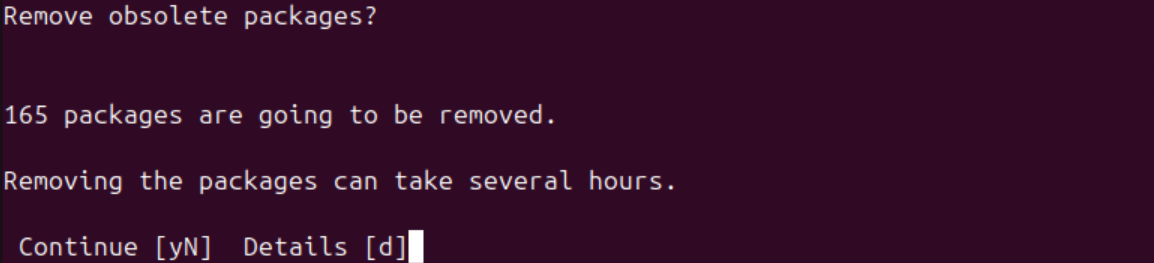
Type y and then press Enter.
Final Reboot
Now we move to the last stage of the installation, where an option will appear as shown below.
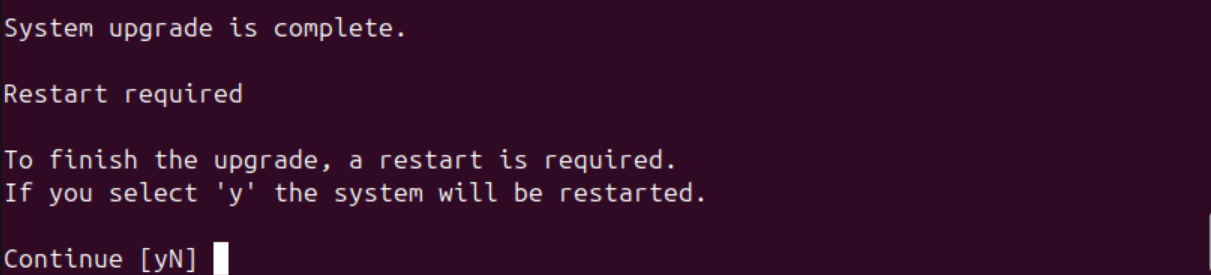
Type y and then press Enter. Your system will then restart and open in Ubuntu 26.04, and your home page will open as shown below.
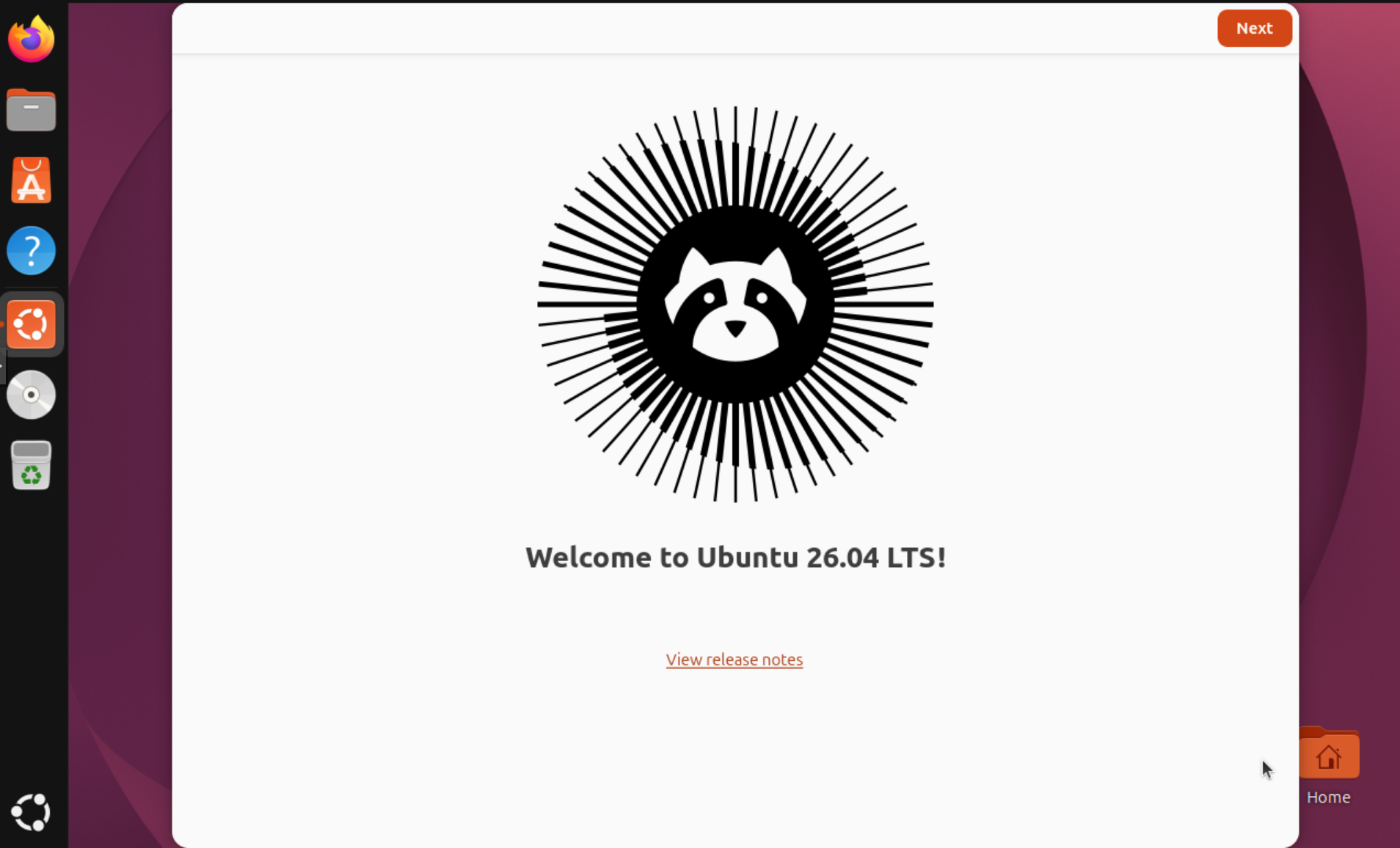
Your Ubuntu 24.04 has finally been successfully upgraded to Ubuntu 26.04.
